

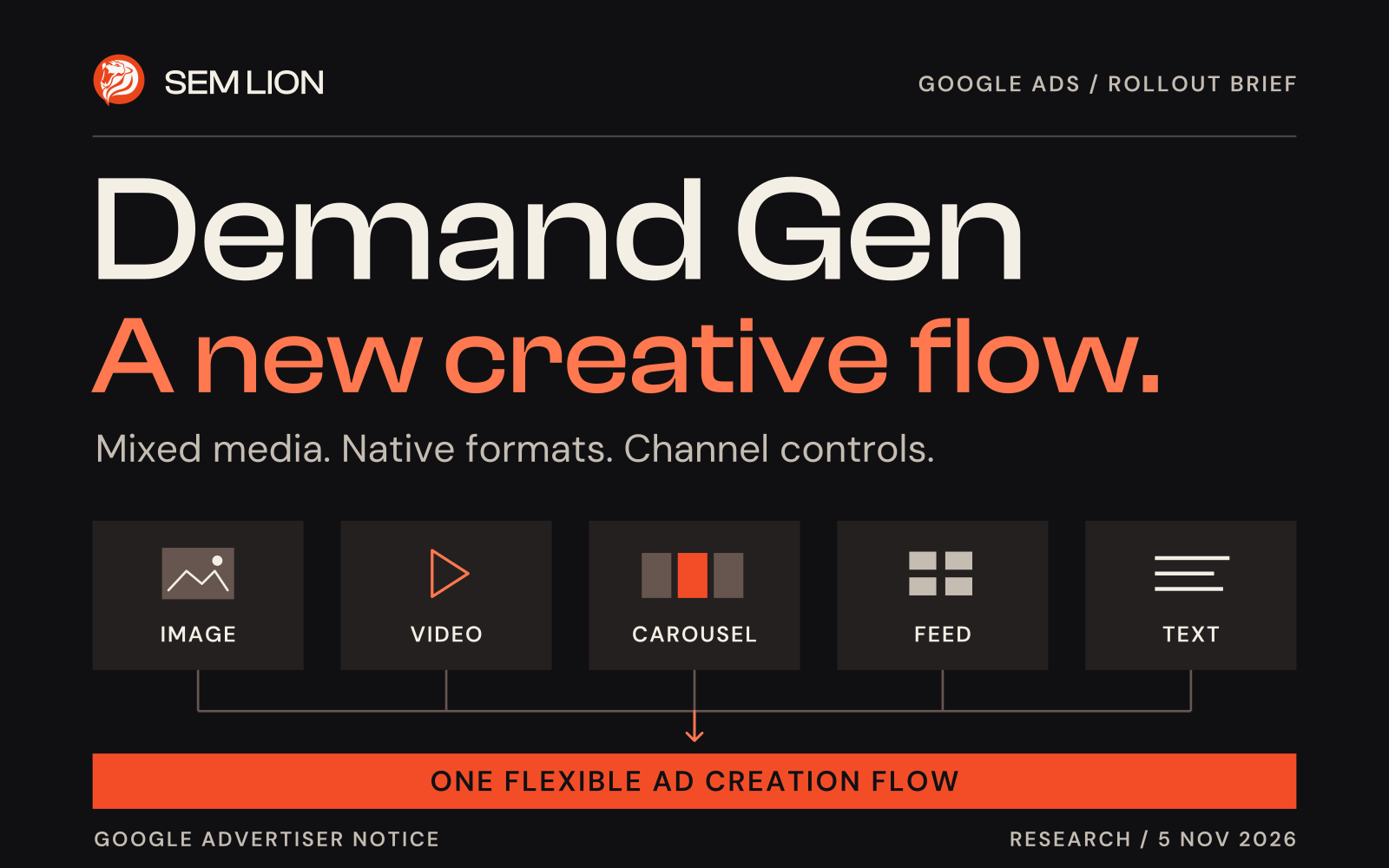
Google Ads is preparing a more flexible way to create Demand Gen ads, according to an advertiser notice supplied to SEM Lion. Images, videos, carousels, product feeds and text will sit within one creation flow, while video dimensions will play a larger role in deciding how creative appears.
The practical task for advertisers is to review their assets and channel choices before building the next ad. Here is what the notice says, what Google’s public documentation supports, and how SEM Lion would prepare.
What is changing in Demand Gen ad creation?
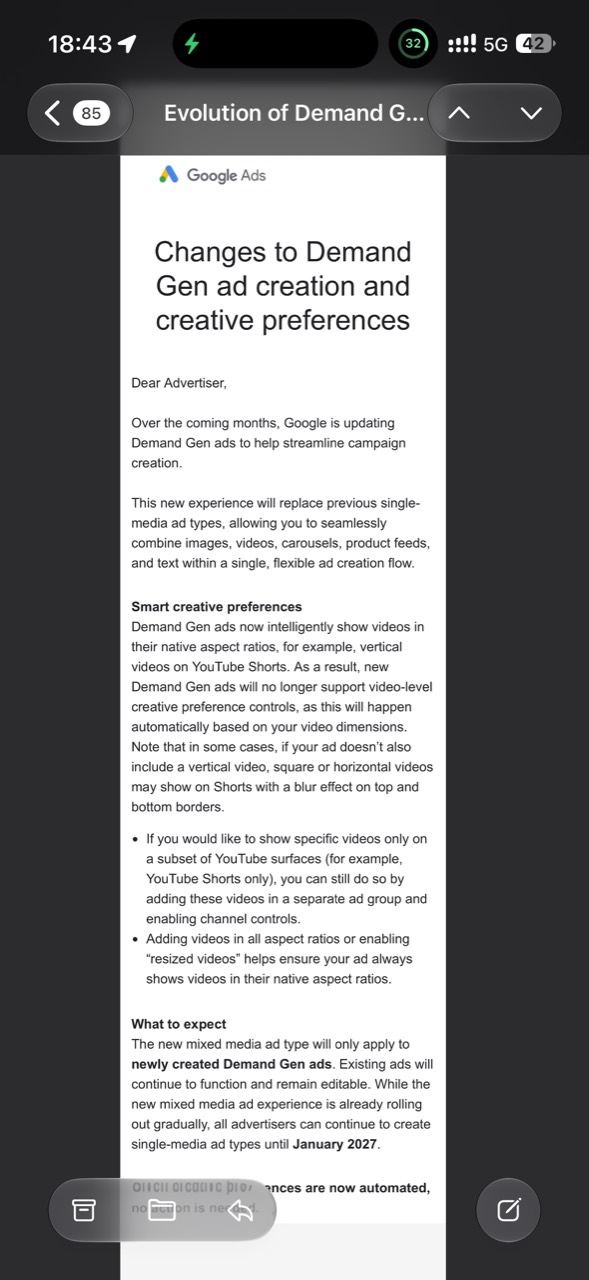
The notice describes a single, flexible workflow for combining images, videos, carousels, product feeds and text. It says this experience will replace the previous single-media ad types for newly created Demand Gen ads.
Source distinction. The rollout and transition details in this article come from the advertiser email supplied for this brief. The screenshot shows no received date. Google’s public creation guide, checked on 5 November 2026, still describes separate video, image and carousel options. Check which builder your account currently presents. Advertiser notice screenshot · Google’s campaign creation guide.
What does the January 2027 transition mean for existing ads?
The notice says the new mixed-media experience applies to newly created ads. Existing Demand Gen ads will continue to function and remain editable.
It also says advertisers can continue creating single-media ads until January 2027 while the new experience rolls out gradually. The notice gives no specific day in January. Treat this as a preparation window and check your account’s notices before planning a deadline-dependent change.
How will video creative preferences work?
According to the email, new Demand Gen ads will use video dimensions to show assets in suitable native aspect ratios. Video-level creative preference controls will therefore give way to that automatic behaviour.
The same notice says square or horizontal footage may appear in Shorts with blurred top and bottom borders when a vertical video is missing. Supplying an approved vertical version gives the creative team a chance to compose the message for that screen.
The email also points to resized videos as an option. Google’s video enhancement documentation describes automatically generated versions in different orientations, subject to a quality review. SEM Lion recommends inspecting available previews for framing, readable text and a complete offer before relying on a resized version. Google’s video enhancement guidance.
Can you still choose YouTube Shorts only?
Yes. Google’s channel controls documentation places this choice at the ad group level. In the channel settings, advertisers can make a manual selection that includes YouTube Shorts.
The notice describes putting videos intended for a subset of YouTube surfaces in a separate ad group and applying channel controls there. That is a choice about where the group’s ads can serve. Check every asset in the group against that decision.
Google recommends broader channel coverage for many advertisers and notes that splitting delivery can affect efficiency. SEM Lion would use a restricted group when the creative or business brief calls for it, then assess results against the actual campaign objective. Google’s Demand Gen channel controls.
Which creative assets should a business prepare?
Prepare deliberate versions for the surfaces you intend to use. Google’s current specifications recommend the following HD video sizes.
- Vertical 9:16. 1080 × 1920, recommended for YouTube Shorts.
- Horizontal 16:9. 1920 × 1080.
- Square 1:1. 1080 × 1080.
- Portrait 4:5. 1080 × 1350.
Keep captions, the product, logo and call to action inside the placement’s safe areas. Check each export on a phone. For image assets, follow the image-specific dimensions in Google’s specification rather than assuming the video sizes apply. Google’s Demand Gen asset specifications · Google’s video safe zones.
How can an AI agent help prepare the change?
An agent can review an asset inventory and draft a preparation plan when it has reliable inputs. Give it asset identifiers, dimensions, language, the intended offer, approved destinations and current account settings. Require evidence for each recommendation and human review before any campaign change.
A practical prompt to adapt
Review [approved asset manifest], [Demand Gen ad groups and selected channels], [landing pages] and [conversion objective]. Check current Google documentation and distinguish existing settings from the new rollout notice. List missing formats, framing risks and message mismatches. For each proposed edit, give the affected asset or ad group, source, expected effect and acceptance check. Mark missing information. Return a plan for approval before making changes.
What is SEM Lion’s takeaway?
More flexible ad creation makes the creative brief more important. Agree the audience, offer and next step first, then make each format carry the same promise. Review channel and format reporting alongside valid enquiries or sales, keeping the test objective and change date clear.
Our agentic marketing guide explains related review workflows. To scope the creative and measurement work for your next campaign, bring your brief to SEM Lion.
Research checked on 5 November 2026. Rollout timing comes from the supplied advertiser notice. Available controls and account eligibility may vary.